





FAQ
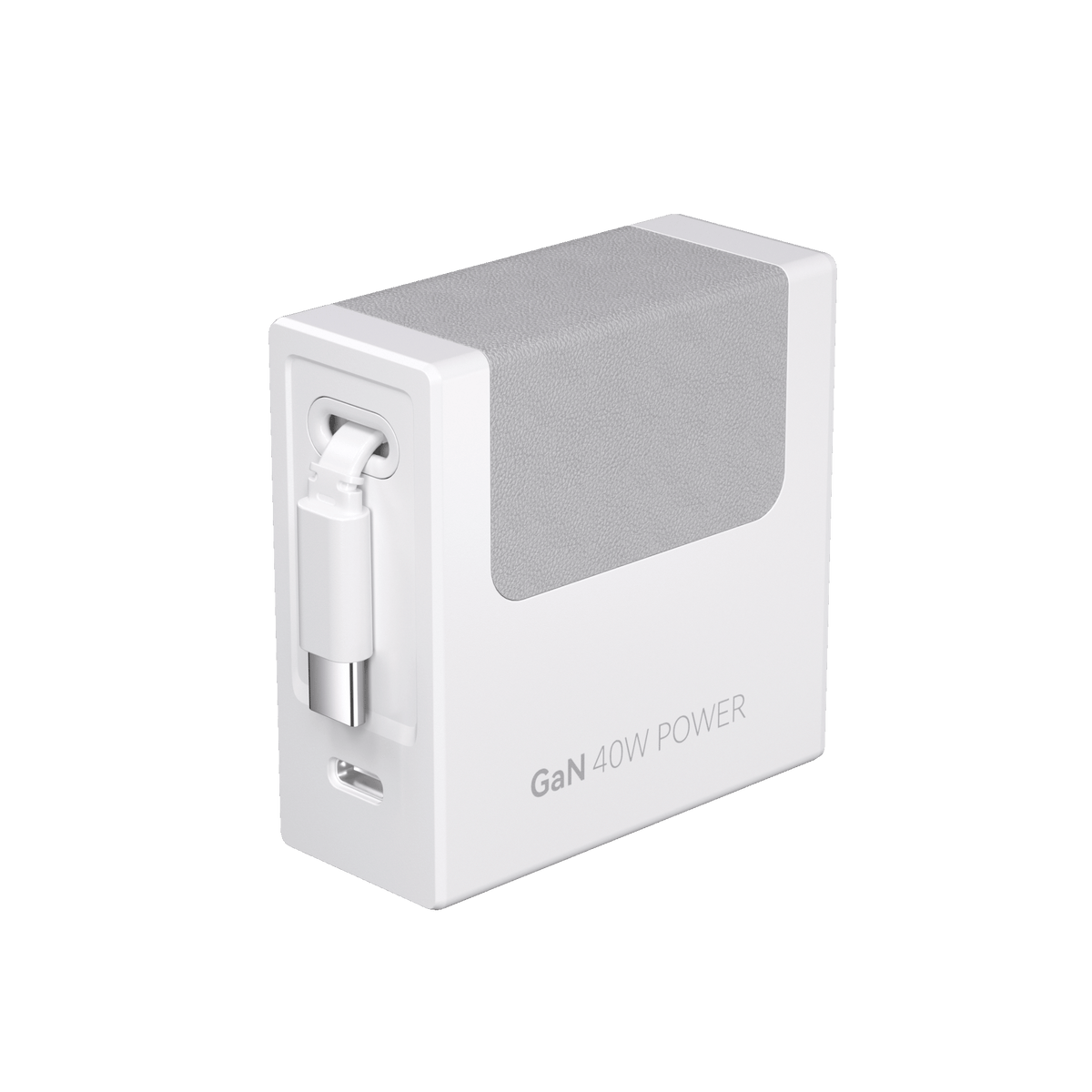
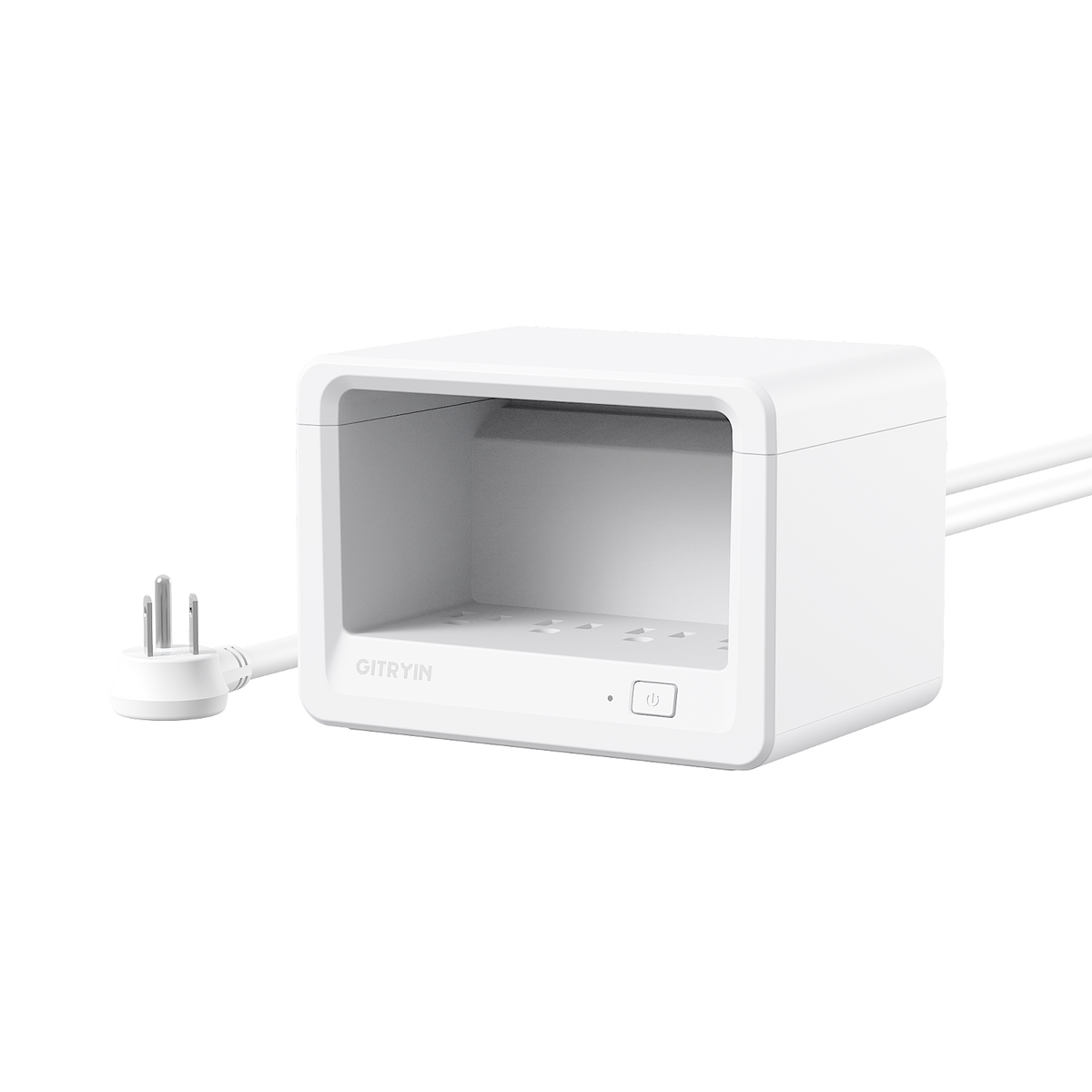
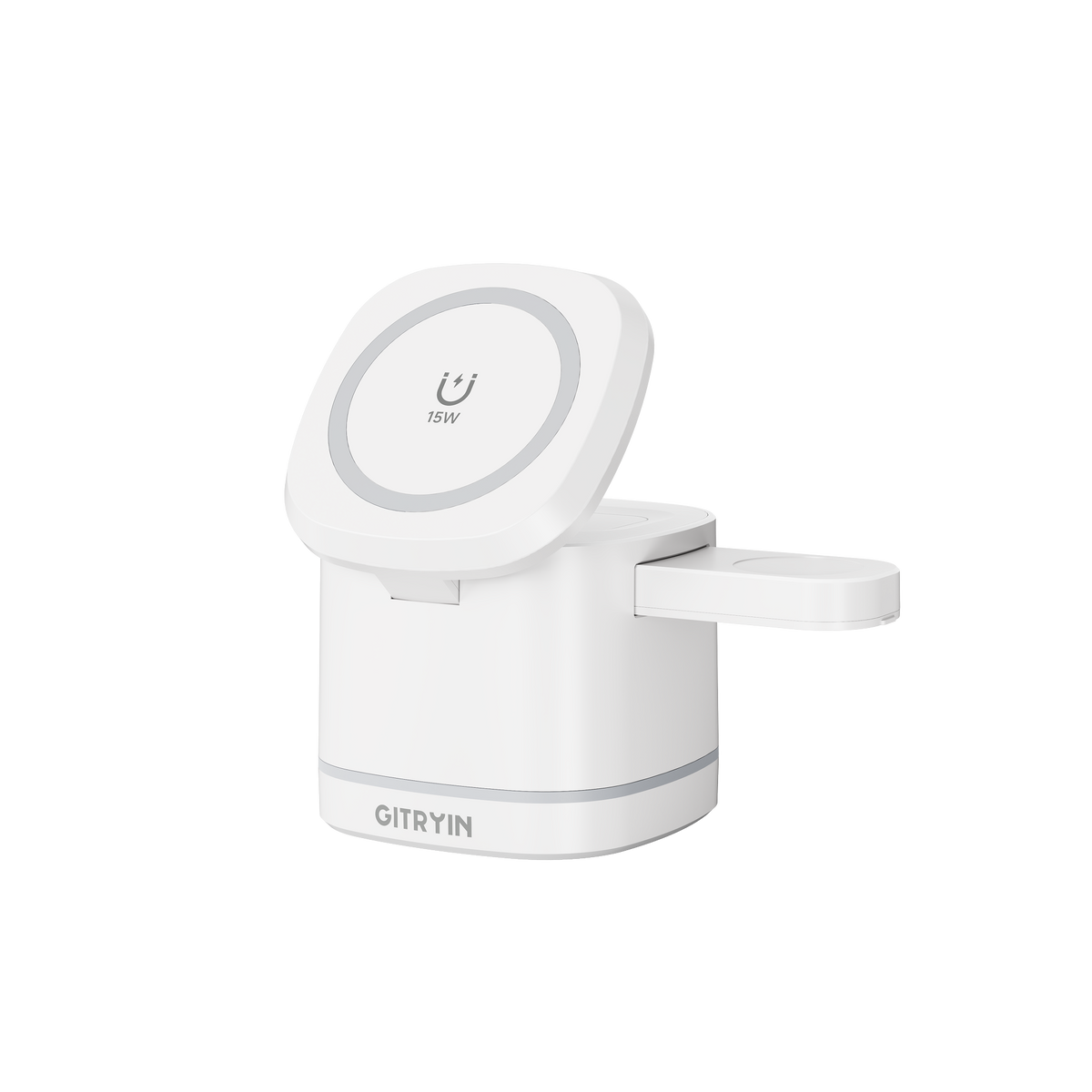
Add the typical power needs of the devices you charge together, then leave headroom. Phones may need far less than laptops. A laptop often needs 60W or more, while high-performance models may require over 100W. The Gitryin 12-in-1 Desktop Charging Station comes in 40W and 65W versions; the 65W model better suits higher-power USB-C devices.
It can. multi-device charging stations share total available wattage across active ports, so per-device output may drop when several devices are connected. Put the highest-power device on the priority USB-C port and check the model's power-allocation table.
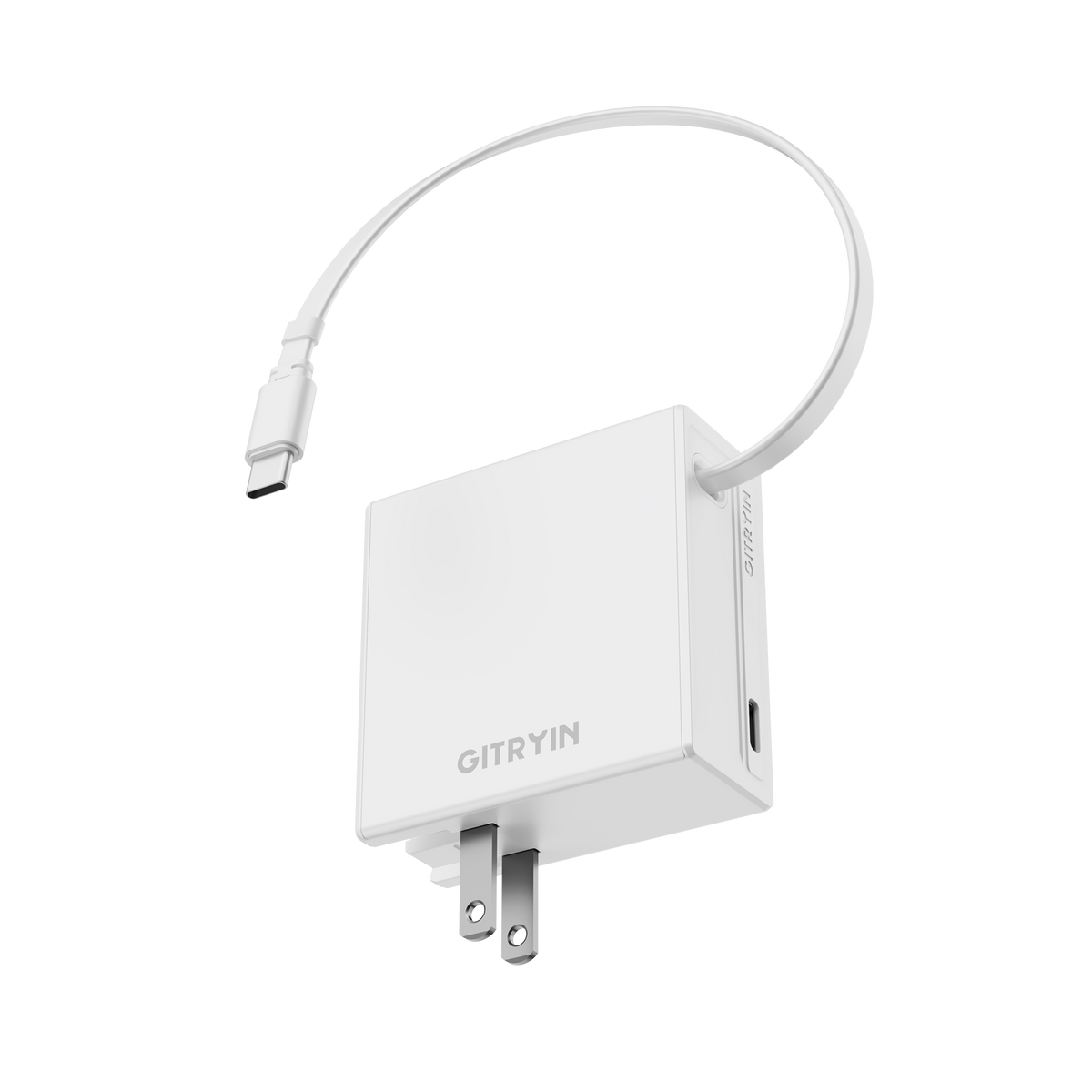
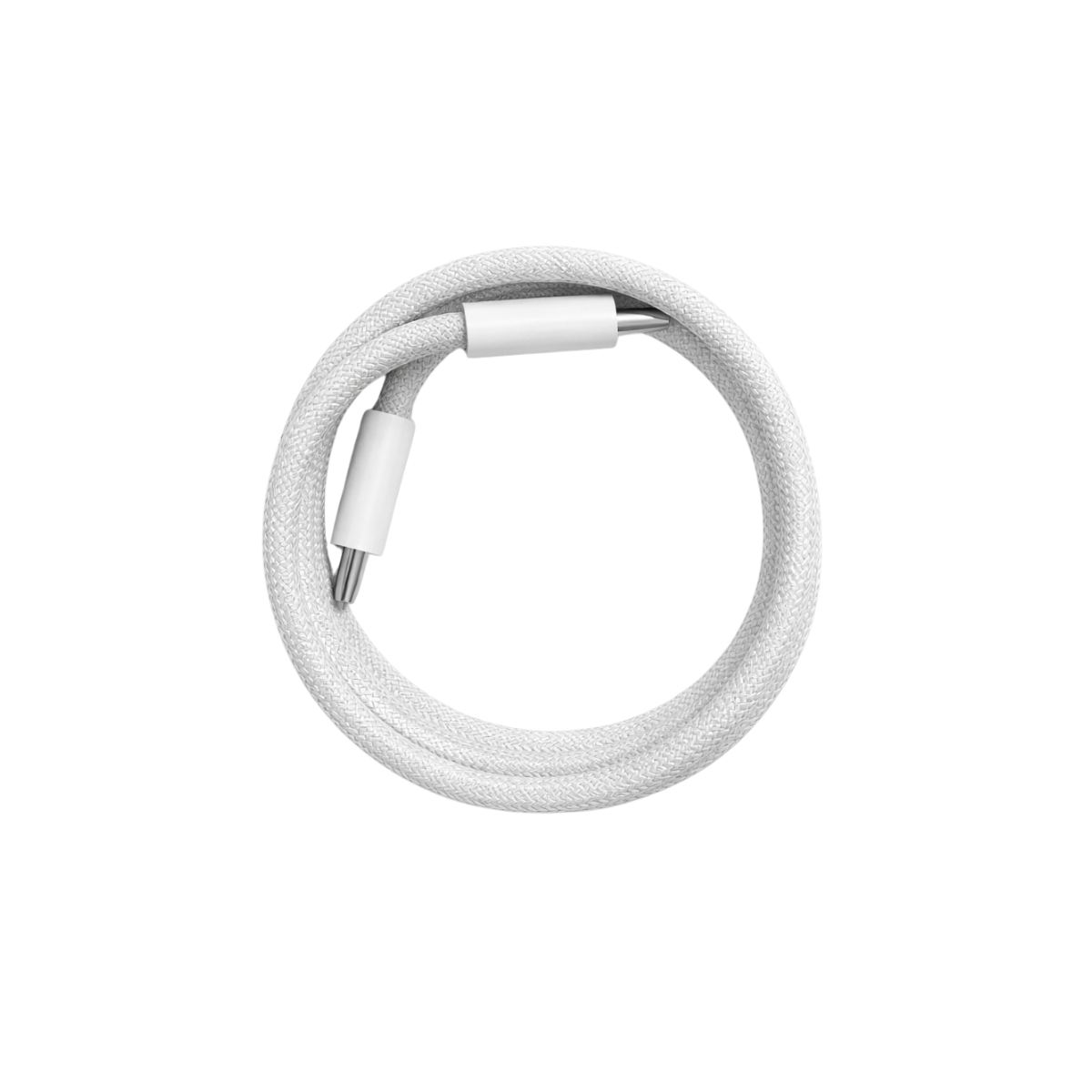
Yes, the cable must also support that power level. A USB-C connector alone does not guarantee laptop charging or maximum charging speed. Choose a 12-in-1 station for a fixed multi-device desk setup and a retractable 65W or 140W charger for simpler cable management.
For a desktop charging station, USB-C describes the connector; Power Delivery is the protocol that negotiates higher voltage and wattage. A USB-C port without adequate PD output may charge a phone but not a laptop. The charger, device, and cable must all support the required level.
A quality charger can remain connected when used within its rating and with ventilation, but inspect cables and ports regularly. Keep it away from liquids and heat, do not cover cooling vents, and disconnect it if there is unusual heat, odor, noise, or damage.
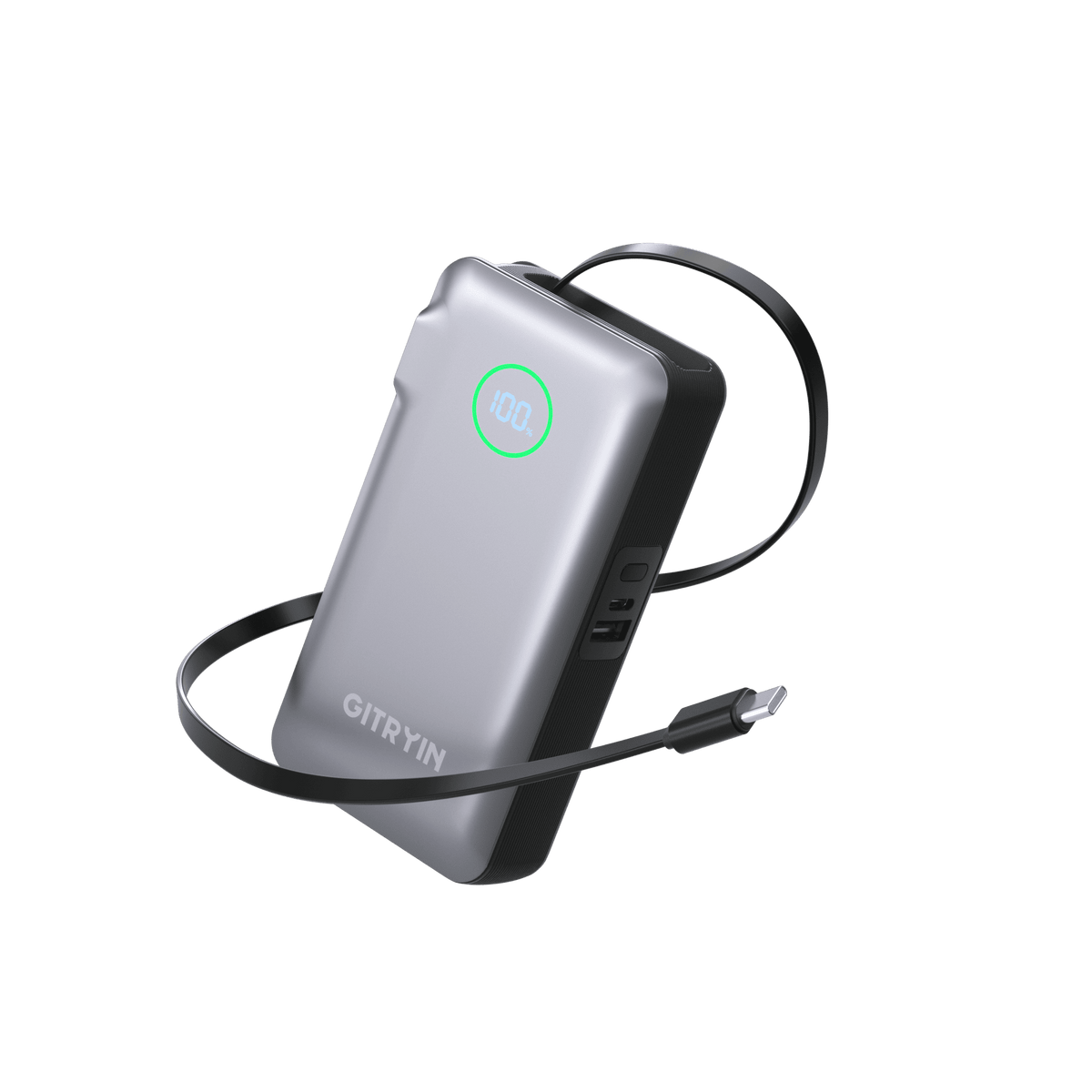
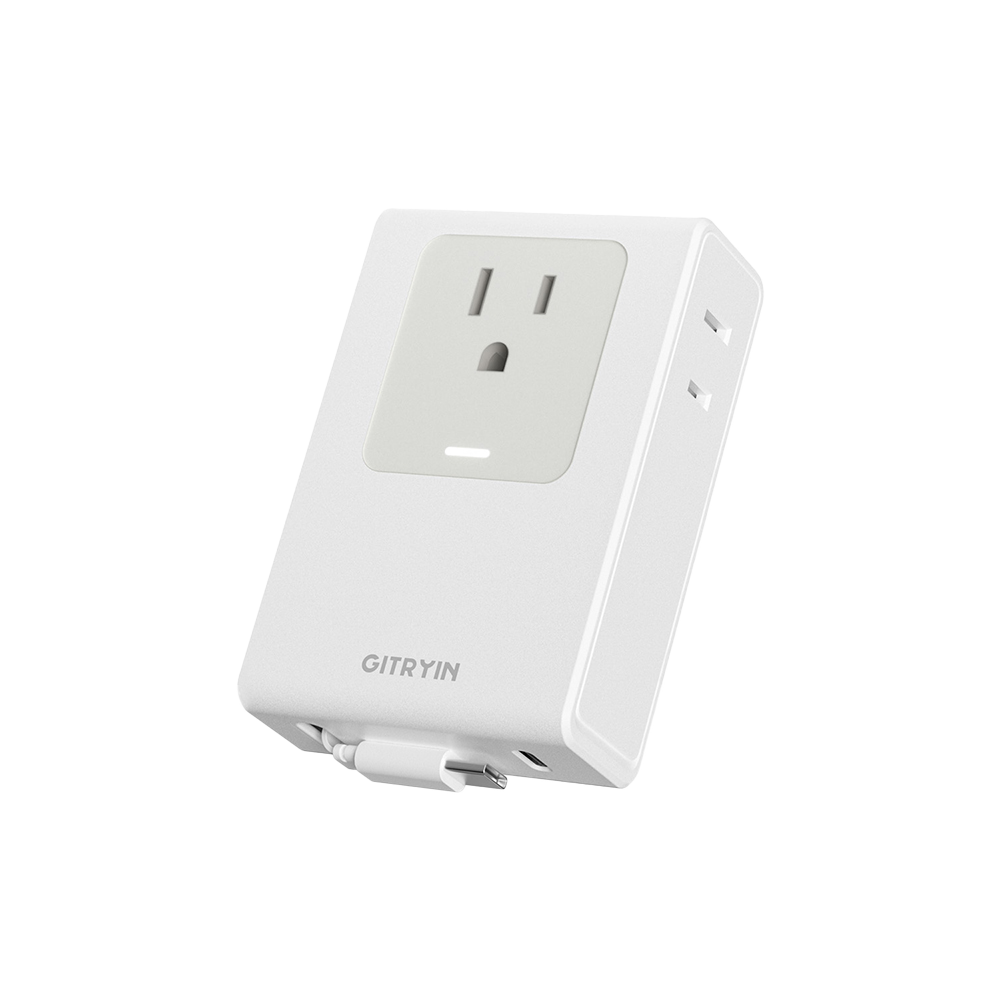
Choose by device count, laptop wattage, and required ports. Giraffe Tools desktop charging station options include 40W and 65W 12-in-1 models, while retractable USB-C chargers reach up to 140W. Match total output to all devices charged together. For laptops and other high-draw devices, the Retractable 140W Fast Charger provides more headroom than the 65W charger.
For a desktop charging station, compatibility varies by port, charging protocol, cable, and device power requirement. Many USB-C devices can charge, but speed depends on PD or other supported protocols. Check each product's compatibility list and per-port output before ordering. Choose a 12-in-1 station for a fixed multi-device desk setup and a retractable 65W or 140W charger for simpler cable management.
For a desktop charging station, the charger may renegotiate and redistribute its total output when a new device is connected. A brief interruption or lower wattage can be normal. Use the recommended high-power port for a laptop and remove low-priority devices when maximum speed matters.